Shows & tickets
Try the editing workflow, then agree access, ownership and cost.
Your band, ready for the next show
Preview workspaceUpcoming shows & saved drafts
The ticket workflow
- Add the show. Set its date, venue, times, prices and opening act.
- Paste its TicketWeb event link. That one destination supplies the selected show’s ticket buttons and any new QR.
- Review, then publish and feature. TicketWeb continues to handle checkout and ticket delivery.
- Create promotion. Generate a flyer from the same approved details; preserve the existing October 16 QR or explicitly generate a new one.
Featured show
Published in demoPerformances & YouTube videos
Title + link + creditSocials, streaming & booking
Blank links stay hiddenBand identity, photographs & logo
Content controls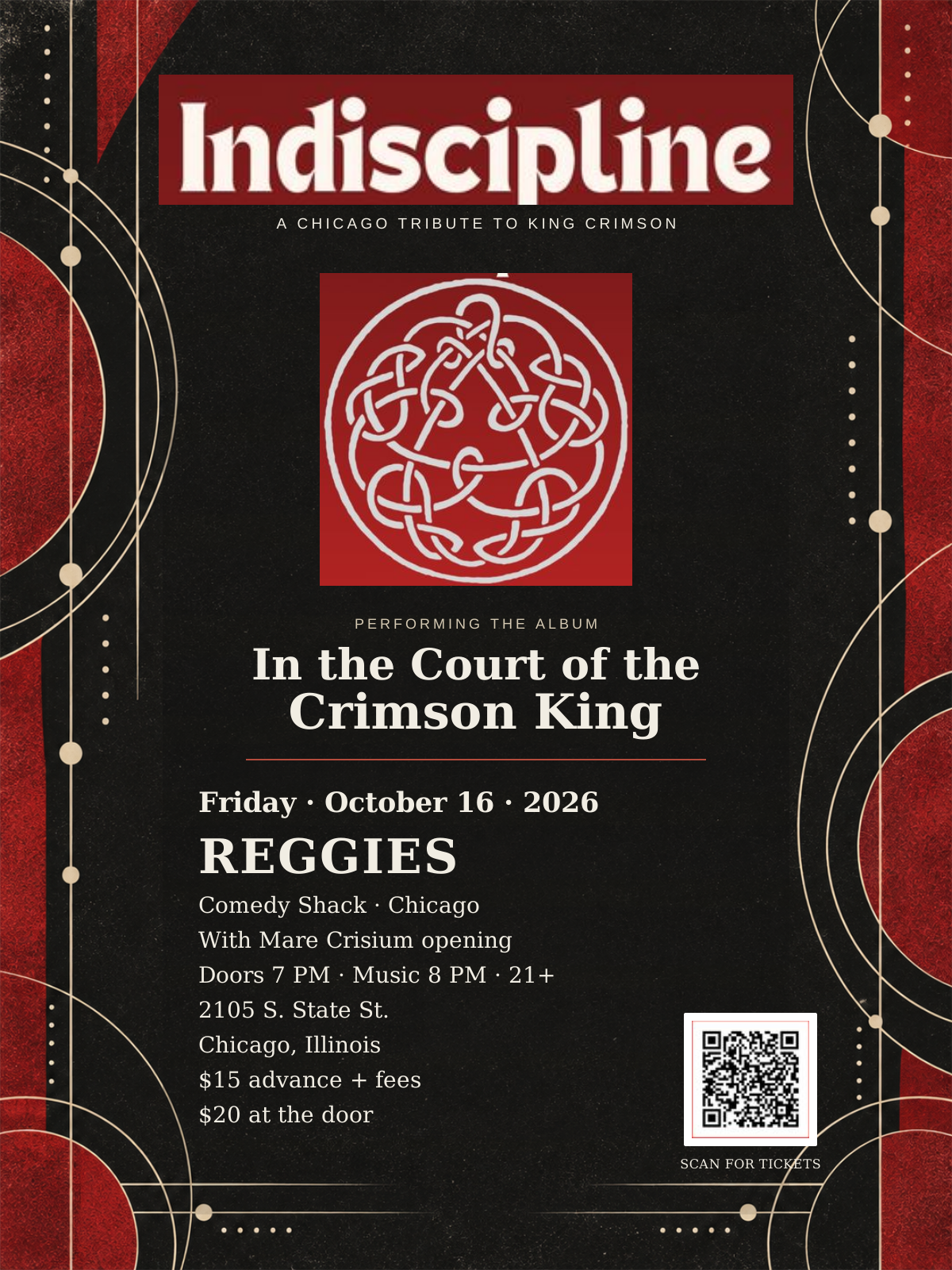
Existing poster & logo
The actual Studio can offer an approved image picker with alt text and crop controls. This demonstration does not upload or replace assets.
Confirm whether the band needs to edit these at launch.
Consistent design and accessibility are maintained in site code.
Managed separately from website content fields.
Promotion from the selected show
Shared show detailsEdit the show’s details first, then generate its promotional material here. Nothing is sent or posted automatically.
Ticket QR code
No QR subscriptionGenerate a new QR if needed. Existing poster QR artwork is preserved.
Flyer creator
Consistent type & spacingUses the saved band logo or the original logo artwork. Every show-detail line uses the same serif family. Review spelling, line breaks and QR destination before distributing.
Generate a preview from the selected show when ready.
INDISCIPLINE
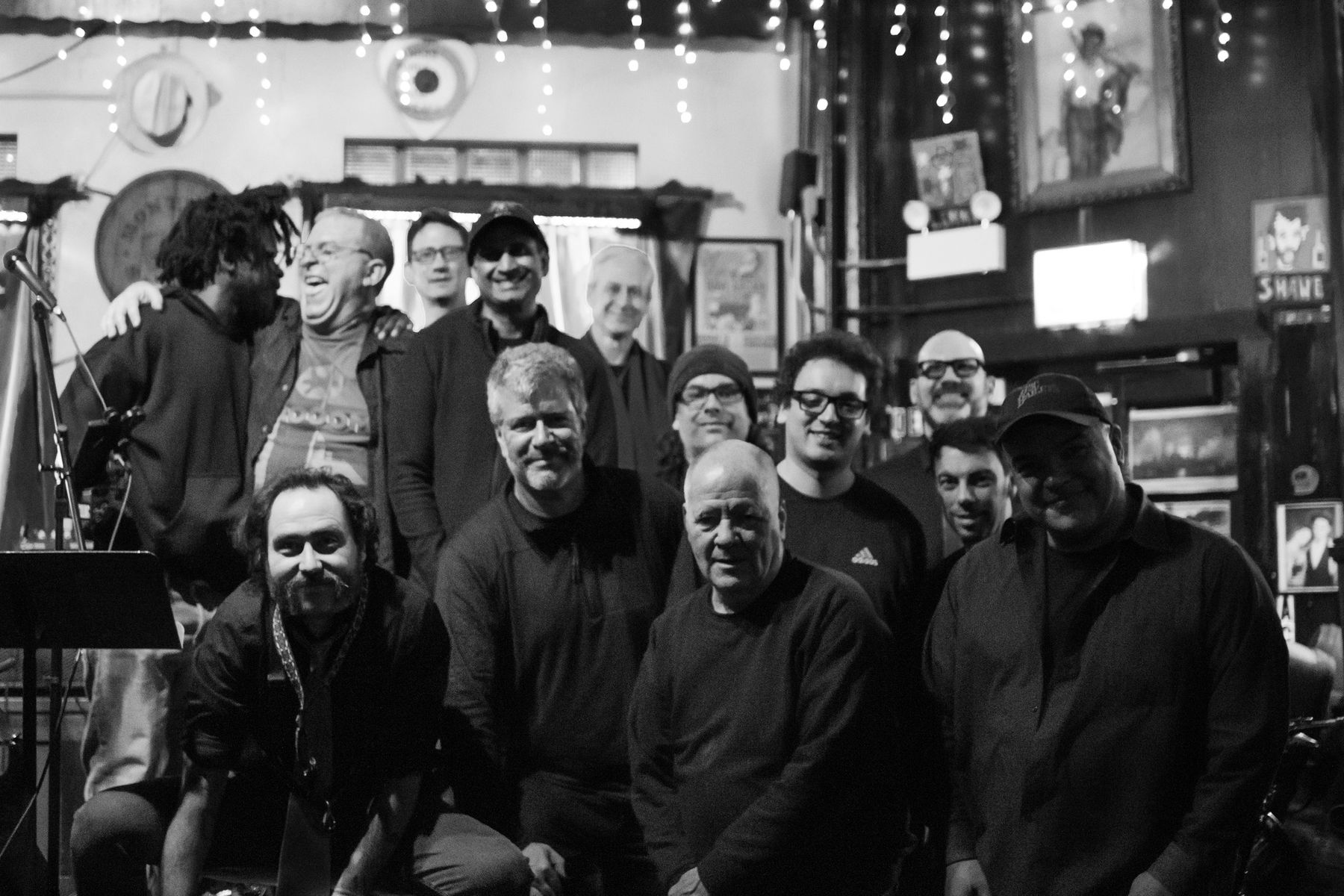
Edit content → save draft → review → publish in Sanity. The connected website reads published content after its cache refreshes. This prototype simulates that workflow locally.